A thermostat that will not respond, shows the wrong temperature, or leaves rooms uncomfortably hot or cold can make a reliable HVAC system seem like it has failed. Knowing how to change thermostat settings is simple in many cases. Replacing the thermostat itself requires more care, especially when your home has a heat pump, multi-stage equipment, a whole-home humidifier, or an older wiring setup.
Before removing anything from the wall, determine whether the problem is the setting, the batteries, the thermostat, or the heating and cooling equipment behind it. That small distinction can prevent an unnecessary replacement and a service interruption when you need comfort most.
First, Decide What “Change Thermostat” Means
Many homeowners mean they want to adjust the temperature. Others mean the thermostat has stopped working and they want to install a new one. The right approach depends on which situation you have.
For a temperature adjustment, set the system mode to Heat or Cool, then choose a set temperature that is clearly above or below the current room temperature. Give the system several minutes to respond. Air conditioners often have a built-in delay to protect the compressor, so a short pause does not automatically mean something is wrong.
If you are replacing a thermostat, start by confirming the existing unit is the likely issue. A blank screen may only need fresh batteries or a tripped breaker reset. If the display works but the system will not start, check that the circuit breaker is on, the furnace or air handler power switch has not been turned off, and the air filter is not severely clogged. A dirty filter can contribute to shutdowns and poor airflow that appear to be thermostat problems.
How to Change Thermostat Settings Correctly
A thermostat is only useful when its schedule and mode match the way the property is occupied. For most homes, keeping the temperature relatively steady is more practical than making dramatic daily changes. Large setbacks can make your system run longer to catch up, particularly in Bay Area homes where temperatures can shift quickly between morning, afternoon, and evening.
In cooling mode, choose a temperature that is comfortable without forcing the system to run continuously. In heating mode, avoid setting the thermostat much higher than your desired temperature in hopes that the house will warm up faster. HVAC equipment heats at a set capacity. Raising the set point only tells it to run longer.
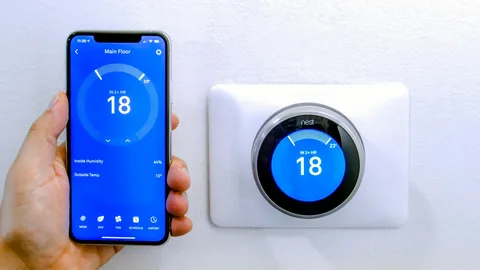
If your thermostat has a programmable schedule, use it for predictable periods such as work hours, overnight temperatures, or vacant rental units. For homes with irregular schedules, a simpler hold setting may be the better choice. Smart thermostat features can be useful, but only if the system is configured correctly and the schedule does not conflict with your daily routine.
Check Compatibility Before Replacing the Unit
Not every thermostat works with every HVAC system. This is the step DIY installers most often overlook. A basic conventional furnace and air conditioner may be compatible with many models, while heat pumps, dual-fuel systems, zoning systems, and variable-speed equipment can require specific controls and wiring.
Look at the terminal labels on your current thermostat and take a clear photo before disconnecting any wires. Common labels include R, C, W, Y, G, O/B, and AUX or E. Labels matter more than wire colors. A blue wire is often used as a common wire, for example, but that is not guaranteed.
The C-wire provides continuous power for many Wi-Fi and smart thermostats. Some models can operate without one, but alternatives such as power extenders may not be appropriate for every system. If you have a heat pump, the O/B setting is particularly important. Incorrect configuration can cause the system to heat when it should cool, or prevent auxiliary heat from operating properly.
For commercial spaces and larger residential properties, thermostat replacement can involve additional controls, building automation components, or multiple zones. In those situations, professional evaluation is usually the safer and more cost-effective route.
Steps to Replace a Thermostat Safely
Once you have confirmed compatibility and selected the right thermostat, replacement is typically straightforward for a standard low-voltage system. Work carefully and do not rush the wiring.
- Turn off power to the furnace, air handler, and air conditioner at the breaker. Even low-voltage thermostat wiring should be handled with the equipment powered down.
- Remove the faceplate from the old thermostat. Take photos of the wiring and terminal labels before loosening anything.
- Label each wire based on its terminal letter. Do not rely on color alone. Keep the wires from slipping back into the wall by wrapping them around a pencil or taping them lightly in place.
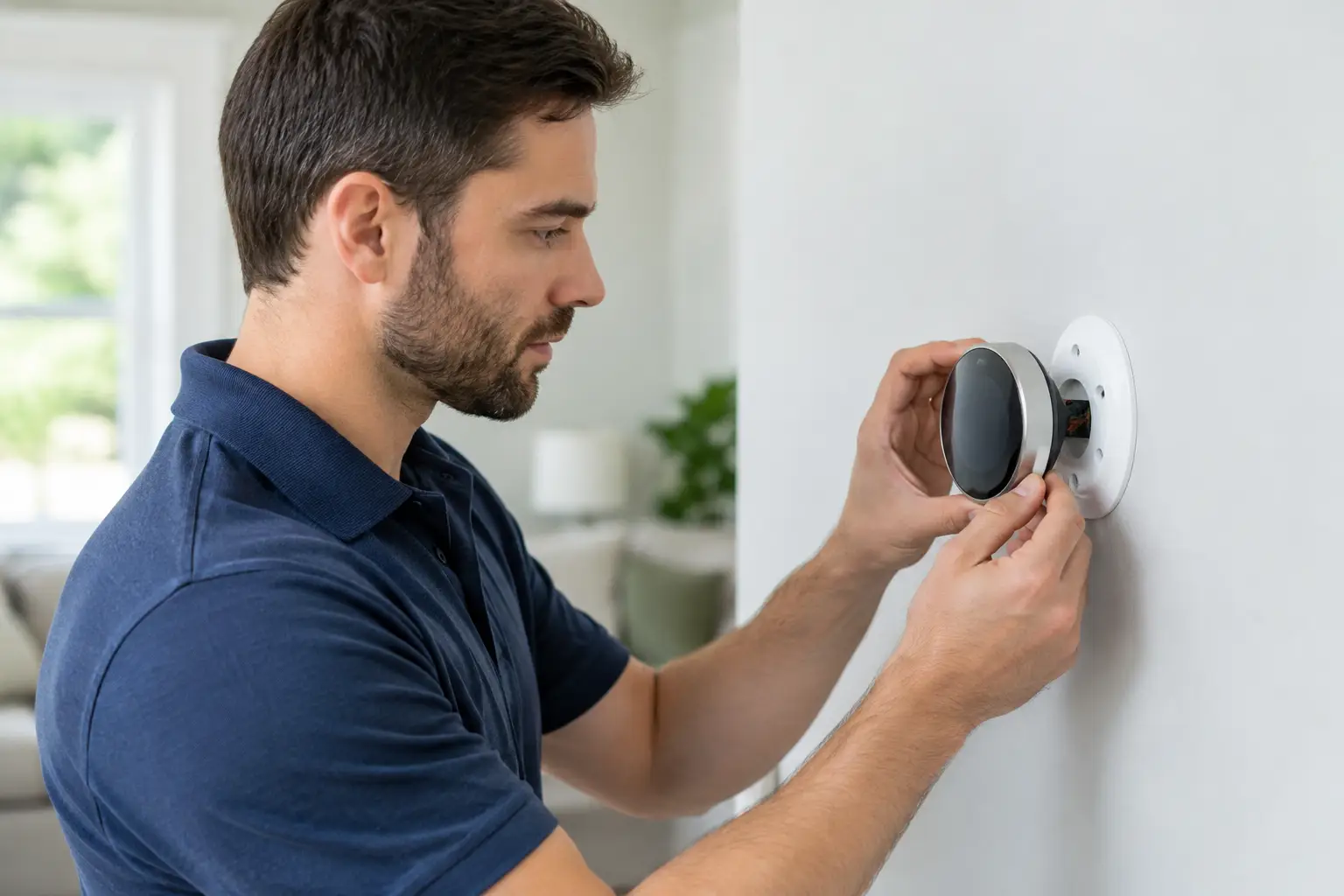
- Remove the old mounting plate, then install the new base level on the wall. Pull the wires through the opening and connect each one to the matching terminal specified by the new thermostat manufacturer.
- Attach the thermostat display, restore power, and follow the setup prompts. Select the correct equipment type, fuel source, number of heating and cooling stages, and heat pump settings where applicable.
- Test heating, cooling, and the fan one function at a time. Let the system run long enough to confirm it is delivering the expected air temperature and responding properly.
If the new thermostat does not power on, do not repeatedly flip breakers or move wires around while the system is energized. Check the battery requirement, the R-wire connection, the common wire connection, and any low-voltage fuse in the furnace or air handler. A blown fuse can indicate a short in the thermostat wire or an installation error.
When a Thermostat Replacement Is Not a DIY Job
A thermostat is a small device, but it communicates with some of the most expensive equipment in your property. Calling a qualified HVAC technician is a smart choice when wiring is damaged, terminals do not match the installation instructions, or your system has more than one zone.
Professional help is also recommended if you have a heat pump and are uncertain about O/B or auxiliary heat wiring, a thermostat with no apparent C-wire, high-voltage electric baseboard heat, or a system that still will not operate after a basic thermostat check. High-voltage thermostats are not interchangeable with standard 24-volt HVAC controls and should not be handled as a typical replacement project.
A technician can also identify concerns a thermostat swap will not solve, such as a failing capacitor, condensate safety switch, control board issue, refrigerant problem, or restricted airflow. Replacing the wall control will not correct those underlying equipment issues.
Choose the Thermostat That Fits Your Property
The most feature-rich model is not always the best choice. A simple programmable thermostat may be ideal for a rental property or a business with consistent hours. A smart thermostat can make sense for homeowners who want remote control, scheduling flexibility, and energy-use insights.
For older systems, compatibility and dependable operation should take priority over extra features. For newer high-efficiency equipment, the correct thermostat can help the system use its staging and variable-speed capabilities as intended. That can improve comfort by reducing temperature swings, but it only works when the control is properly selected and installed.
Heating and Air Experts helps Bay Area homeowners, property managers, and businesses determine whether a thermostat issue is a simple fix or a sign that the HVAC system needs attention. You should receive clear options and upfront guidance, not pressure to replace equipment that can be repaired.
A new thermostat should make your space easier to manage, not introduce uncertainty. If the wiring, system type, or setup menu leaves questions unanswered, pause the installation and have a trusted HVAC professional verify the details before the next hot afternoon or cold night puts your comfort to the test.